
WordPress 7.1.2 Security Alert: Update Your Website Now
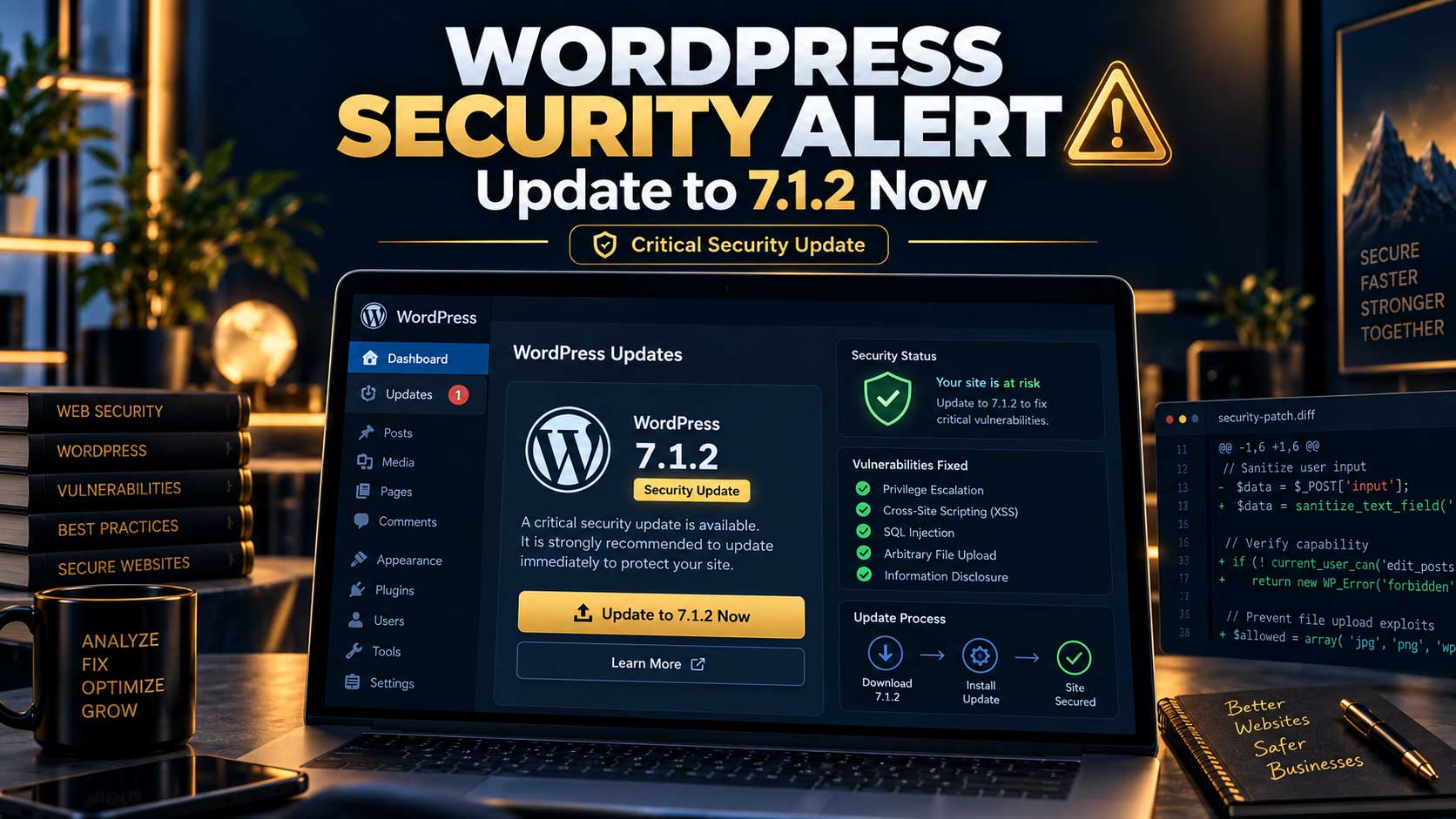
WordPress 7.1.2 fixes a critical security vulnerability that can lead to remote code execution under specific conditions. Here is what WordPress site owners need to know, which versions are affected, and how to update safely without breaking a production website.

IN THIS ARTICLE Table of contents 8 sections
If you manage a WordPress website and normally postpone core updates for a few weeks, WordPress 7.1.2 is not an update you should ignore.
WordPress released version 7.1.2 on September 22, 2026, specifically to fix a critical-severity security vulnerability. The WordPress security team recommends updating affected websites immediately.
This is more significant than a routine maintenance release. According to the official disclosure, an unauthenticated attacker could, under specific conditions, manipulate page-template resolution so WordPress includes a chosen readable local PHP file outside the active theme directories. If the required server and theme conditions are also present, the issue can lead to remote code execution (RCE).
That does not mean every WordPress website is currently being compromised. It does mean that if your website is running an affected version, there is little reason to leave the vulnerability unpatched.
Are All WordPress Websites Vulnerable?
No. A critical vulnerability does not mean every WordPress installation can automatically be exploited.
The official WordPress advisory explains that successful remote code execution depends on additional preconditions involving both the server environment and the active theme. In other words, the vulnerability has a potentially serious impact, but exploitation is conditional.
That distinction is important because security news can easily become exaggerated into claims that “every WordPress website can now be hacked.” That is not what the official advisory says.
However, the severity of the issue is high enough that WordPress recommends immediate updates rather than waiting to determine whether a particular configuration is exploitable.
The problem also affects more than WordPress 7.1. Older branches received backported security fixes, including WordPress 7.0.6, 6.9.9, 6.8.10 and security releases for several earlier branches. WordPress also reminds users that only the most recent version is actively supported.
For businesses still running significantly older versions, this release should therefore trigger a wider question: not only whether the latest security patch has been installed, but whether the website's entire WordPress stack is still being maintained properly.
What Was the WordPress 7.1.2 Vulnerability?
The vulnerability affects WordPress page-template resolution.
Under specific circumstances, an unauthenticated attacker could use path traversal behaviour to cause WordPress to include a readable PHP file located outside the active theme directories. With the necessary server and theme conditions in place, that behaviour could result in remote code execution.
The WordPress 7.1.2 changelog identifies wp-includes/template.php as the core file revised as part of the fix.
For most business owners, understanding the exploit at code level is not necessary. The practical information is straightforward: an official fix exists, the issue is classified as critical, and keeping a vulnerable installation online provides no meaningful benefit.
Should You Click “Update Now” Immediately?
The answer is yes to updating quickly, but that does not mean an important production website should be updated carelessly.
For a relatively simple website with reliable backups, maintained plugins and a standard theme, a WordPress security update may be uneventful. Sites configured for supported automatic background updates may also begin the update process automatically.
A business-critical website deserves a slightly more controlled approach.
Before updating, make sure you have a recent backup that can actually be restored. If the website is an ecommerce store, membership platform, lead-generation site or heavily customised WordPress installation, testing the update on a staging environment first can reduce risk.
After the update, the task is not finished simply because the homepage loads.
Important functionality should still be checked. That includes contact forms, login flows, checkout, payment gateways, search, customer dashboards and any custom functionality your business depends on.
This is why professional WordPress maintenance is better thought of as a process:
Backup → Update → Test → Monitor
The update itself may take only a few minutes. Knowing that the website still works correctly afterward is the more important part.
If your website forms part of a larger web-design or business system, this maintenance layer should be treated with the same importance as the original development work. You can find related WordPress and web-development work in the Services and Portfolio sections of MahyarMolavi.ir.
How Can You Check Whether Your Website Is Updated?
Log in to your WordPress administration area and open Dashboard → Updates.
WordPress 7.1.2 is currently listed by WordPress.org as the latest release in the 7.1 series, released on September 22, 2026.
If your website is on an older supported branch, check whether the corresponding security release has been installed. For example, WordPress 7.0 received version 7.0.6 and WordPress 6.9 received version 6.9.9 for the same vulnerability.
A patched older branch may address this specific vulnerability, but that does not automatically make staying on an old WordPress version a good long-term strategy.
As WordPress core, plugins, themes and PHP versions move forward, maintaining an outdated stack can create compatibility problems, additional security exposure and larger migration costs later.
Automatic Updates Help, but They Are Not a Complete Maintenance Strategy
Automatic security updates can significantly reduce the amount of time a website remains exposed to a known vulnerability.
But automatic updates do not answer every operational question.
Imagine WordPress successfully updates itself overnight, but an important plugin becomes incompatible and the website's contact form stops submitting leads. The site may now have a patched core while still experiencing a serious business problem.
That is why maintenance requires more than verifying a version number.
A professional maintenance process may include WordPress core updates, plugin and theme updates, backups, uptime monitoring, error-log checks, security reviews and functional testing of the website's most important customer journeys.
The exact process depends on the site.
A personal blog and a WooCommerce store do not require the same level of testing because the consequences of failure are different.
For a website responsible for sales or lead generation, maintenance should ideally happen before something visibly breaks.
Why This Update Matters to Business Owners
Many business owners think about WordPress primarily as the system used to design and edit their website.
Security is less visible.
A website can look completely normal while running vulnerable software underneath. There may be no broken layout, warning message or obvious sign that the core or a plugin needs urgent attention.
Updates are also frequently postponed because owners are worried that updating WordPress might break the website.
That concern is understandable, especially on sites with old plugins, heavy customisation or poorly maintained themes.
But the solution is not to stop updating.
The solution is to create a safer update process.
If a WordPress website cannot be updated without significant fear that something will fail, the underlying problem may be accumulated technical debt rather than the update itself.
A well-maintained WordPress site should have a reliable backup strategy, a clear understanding of important dependencies and a practical way to test changes.
What Should You Do If Your WordPress Site Is Still Outdated?
Do not panic, but do not postpone the issue indefinitely either.
The first priority is to determine what version of WordPress is installed and whether the security fix relevant to that branch has been applied.
Before changing an important production website, create a complete backup of both files and the database. Ideally, the backup process should have a known restoration method rather than simply producing an archive that nobody has ever tested.
Next, review the active theme, important plugins and PHP environment for compatibility. Sites with substantial customisation are safer to update through staging first.
After the core update, test the parts of the website that actually matter to the business.
For an ecommerce store, this means more than loading a product page. Test the cart, checkout and payment process.
For a lead-generation website, submit the contact forms and verify that the enquiry reaches the correct destination.
For a membership site, test authentication and account functionality.
This takes longer than clicking a single button, but it creates far less risk than either extreme: blindly updating production without testing or leaving known vulnerabilities unpatched for months.
WordPress 7.1.2 Is Also a Maintenance Wake-Up Call
WordPress 7.1.2 is important because it fixes a critical vulnerability, but the bigger lesson applies beyond this individual security release.
A website is not finished when it launches.
WordPress core changes. Plugins change. Hosting environments change. PHP versions change. New vulnerabilities are discovered and patched.
A professional website therefore needs an ongoing maintenance strategy rather than occasional emergency intervention.
WordPress.org currently identifies 7.1.2 as the latest release and recommends that affected sites update immediately because of the security issue fixed in this version.
If your website is already updated, verify that its important functionality is still working correctly.
If you do not know which WordPress version, plugins or theme your site currently uses, this release is a good reason to review the website more broadly.
Security is not created by installing one security plugin. It comes from a combination of maintained software, appropriate hosting, careful custom development, reliable backups, controlled access and a consistent update process.
If your WordPress website has been left without maintenance for a long time, regularly breaks after updates, or you are unsure about its technical, performance and SEO condition, review the Services and Portfolio sections on MahyarMolavi.ir and send the project details through the Contact section for a structured website review.