
Business details
Name, address, listed phone, website, category, rating and review count when available on the public place profile.
Collect publicly available business details from Google Maps, organize prospect lists and export them for spreadsheets or your CRM workflow.
Google Chrome extension · Developer Mode installation · CSV and JSON export
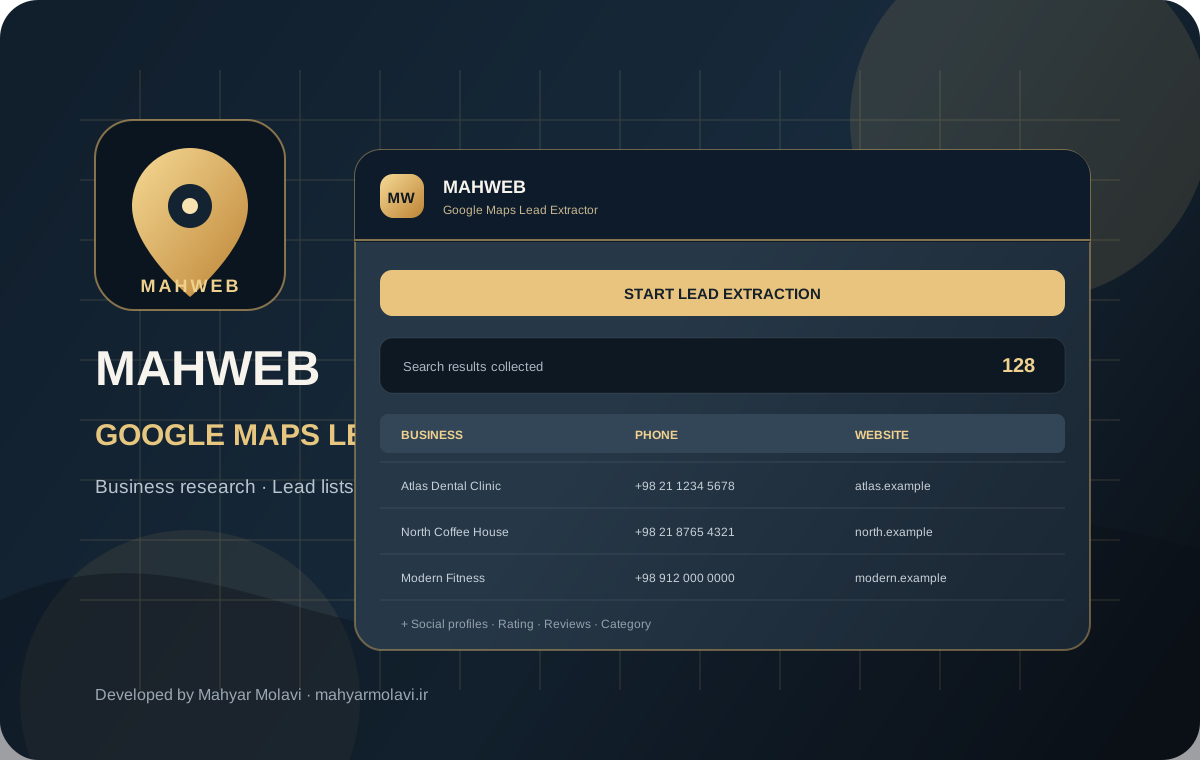
Bring publicly listed business details together in one straightforward research workflow.
Name, address, listed phone, website, category, rating and review count when available on the public place profile.
Checks the business website HTML for direct Instagram, Telegram, WhatsApp, LinkedIn, X, Facebook, YouTube and Aparat links.
Export collected records as an Excel-friendly CSV file or structured JSON for further processing.
Monitor progress and collected records in the floating panel, and stop the run whenever needed.
CSV files include a UTF-8 BOM to help spreadsheet software display Persian text correctly.
Records stay in the current browser page and are saved locally when exported; they are not sent to Mahweb servers.
Available fields depend on what each business has published on Google Maps and its own website.
Download and extract the ZIP, then load the extension folder from Chrome Extensions with Developer Mode enabled.
Search for a business category and location to display the relevant place results.
Start collection from the Mahweb panel and export the results as CSV or JSON when ready.
Collected records are not uploaded to Mahweb. The extension requests broad website access because each business may use a different domain; this permission is used to fetch the public websites you select and inspect their HTML for social links. Collected records remain in the current browser page until you export them.
No. A phone number is collected only when the business has published one on its public Google Maps profile.
The current formats are CSV and JSON. The UTF-8 BOM CSV can be opened in Excel; a native XLSX file is not generated.
No. The extension does not send collected records to Mahweb servers; exports are downloaded locally.
The extension detects direct links present in the fetched website HTML. Links created only after JavaScript execution may not be detected.
Developed by Mahyar Molavi for market research and responsible lead generation.